
Quick answer
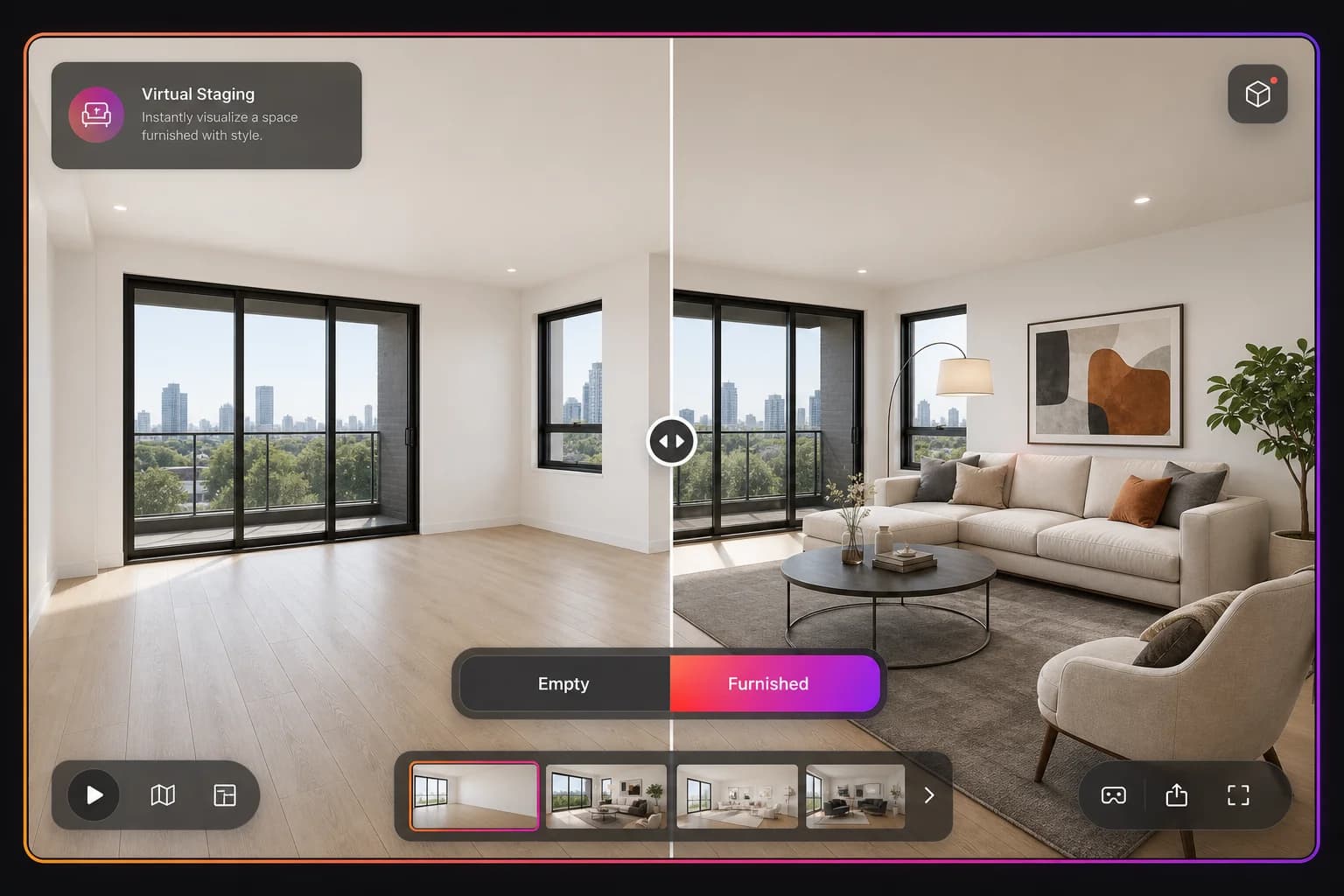
Virtual staging in 360 tours lets buyers switch between the original empty room and a digitally furnished version using an in-tour toggle, helping them visualise the property’s potential.
Key Takeaways
- Upload original and staged versions of any scene
- In-tour Original / Staged toggle — no separate links
- Works with Virtual Staging Studio output
- Helps buyers visualise empty or dated properties
Empty rooms are harder to sell
The variant switcher lets you show both realities in one tour — the buyer sees the space as it is, then toggles to see it furnished and full of potential.
Frequently asked questions
You can upload any staged panoramic image. Virtual Staging Studio is the easiest way to create staged versions, but any edited 360 photo works.