
Quick answer
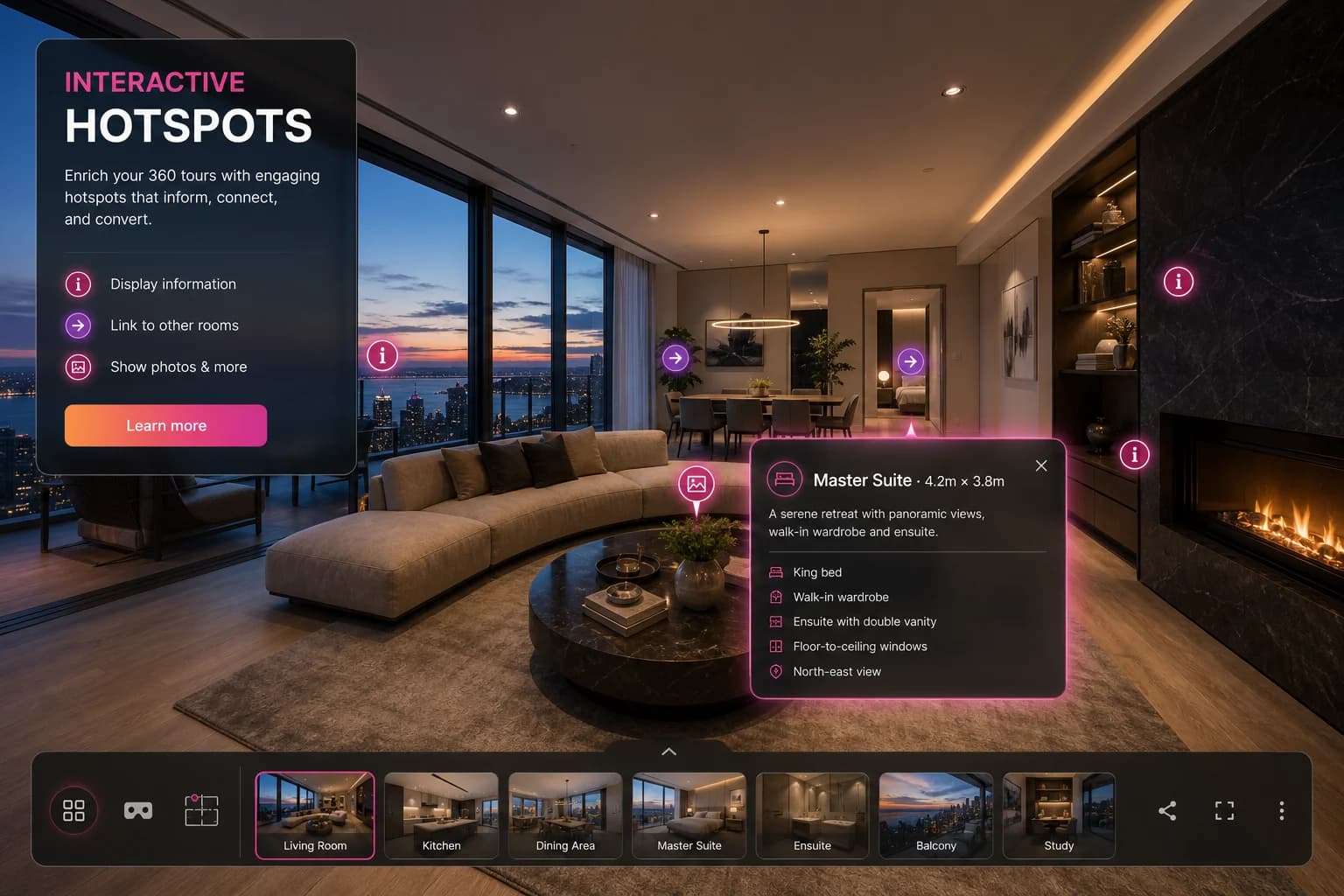
Interactive hotspots are clickable points inside a 360 virtual tour that reveal room details, floor plans, photos or external links, keeping buyers engaged and moving naturally from room to room.
Key Takeaways
- Clickable info points on any scene in the tour
- Floor plan markers — click a room to jump to that scene
- Photo and video pop-ups inside the 360 viewer
- External link hotspots to booking pages and brochures
- Edit hotspots any time without re-shooting
Why hotspots matter
Hotspots are the difference between a slideshow and an experience. Place them on kitchens, gardens, ensuite bathrooms and storage areas — anywhere you want to draw attention and keep buyers exploring at their own pace.
Frequently asked questions
Yes. Open the tour editor, click any scene and add, edit or remove hotspots at any time — no re-shooting required.