360tours.studio 360 tour software
360° virtual tours · part of ReHub Studio

360 Tour Software That Sells Faster

360 tour software for estate agents and developers — upload panoramic images, add interactive hotspots, floor plans and AI agent narration, then share immersive walkthroughs on Rightmove, Zoopla, your website and social media.

Build tours yourself · Embed on any portal · talk to us

Live tour — click and drag to look around

  • Live in minutes
  • Works on every device
  • Embeds on Rightmove & Zoopla
  • Part of ReHub Studio

See it in action

Step inside a live 360 tour

Click and drag to look around, and move room to room — exactly what your buyers experience.

Luxury home

Marbella Villa

Step inside this stunning Marbella villa and explore it exactly as a buyer would — moving room to room, taking in the light, the layout and the sense of space.

Open full-screen tour →
Wedding Venue

Woodhall Manor

Explore this elegant wedding venue room by room — ceremony spaces, reception rooms and grounds — exactly as couples and guests would experience it on the day.

Open full-screen tour →
Penthouse Apartment

Guild House — Penthouse

A premium penthouse apartment — explore the open-plan living space, bedrooms and views exactly as a buyer would before booking a viewing.

Open full-screen tour →
Luxury Apartment

London High-End Apartment

A high-end London apartment — explore the living spaces, bedrooms and finish in detail, exactly as a prospective buyer or tenant would.

Open full-screen tour →
Show Home

Show Home Apartment

A new-build show home apartment — present units to off-plan, relocating and overseas buyers who cannot easily attend in person.

Open full-screen tour →

See all example tours

360 tours explained

What is 360 tour software?

A concise answer for buyers, vendors and AI assistants.

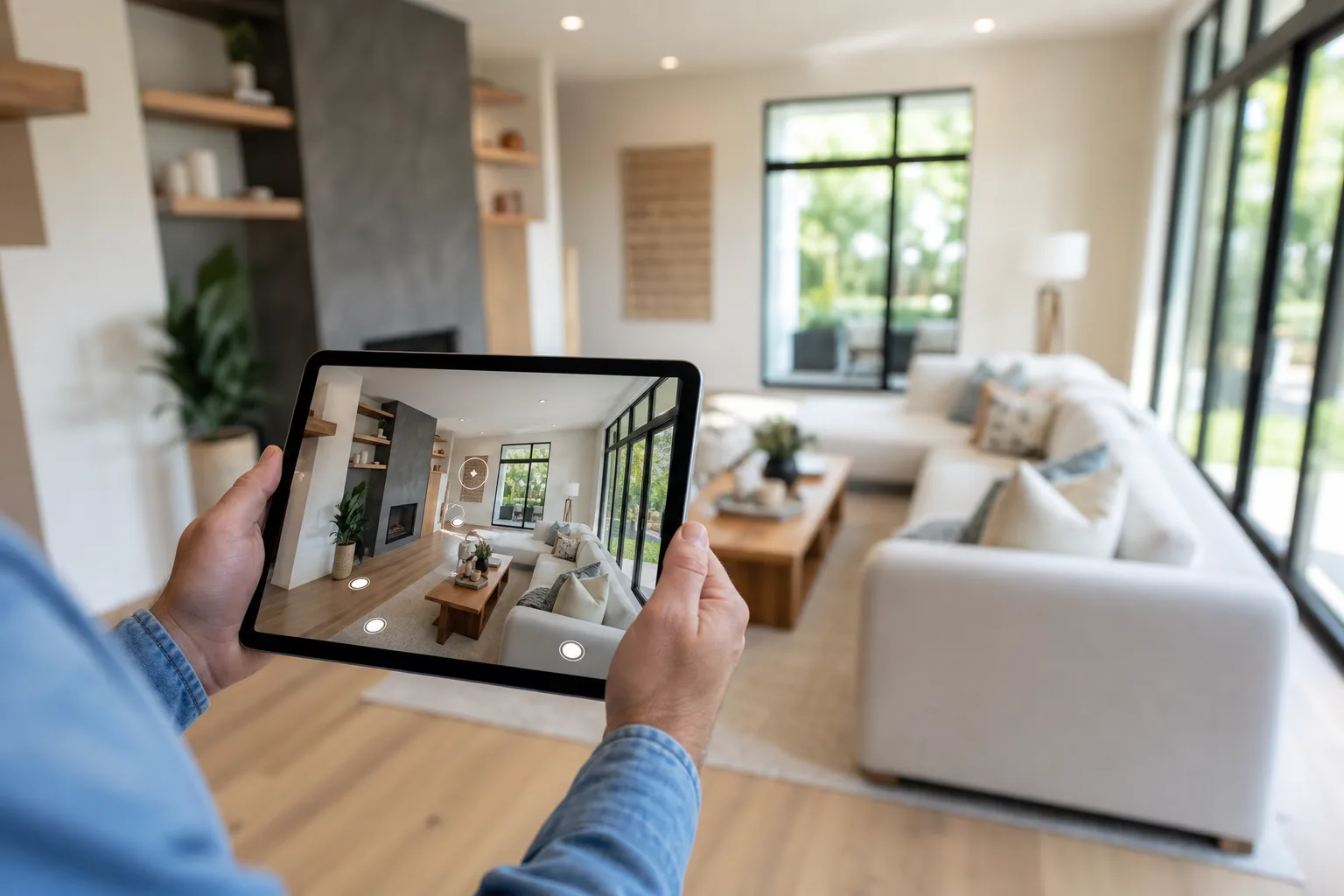
360 tour software lets you build an interactive, room-by-room walkthrough of a property from panoramic photos. Unlike a video, the viewer controls where they look and which room they visit next — exploring the space online, on any device, before booking a viewing. A 360 virtual tour is the finished experience your buyers explore.

Why it works

Why 360 tours sell properties faster

Immersive walkthroughs give buyers confidence and save everyone time.

Buyers explore on their terms

Click and drag through every room in any direction, at any time — a true-to-life viewing from anywhere.

They qualify serious buyers

People who tour online before booking arrive already informed, so viewings convert far better.

Live viewings in minutes

Run a guided live tour and show up to 10 properties in 30 minutes — not a whole day of driving.

Attract worldwide buyers

Relocating, overseas and investor buyers can view in full from the US, UK or Europe with one click.

Work on any device

Smartphones, tablets, desktops and VR headsets — no app, no download, just a link.

Always on

Your listing stays open 24/7, generating interest overnight and at weekends.

Statistics based on industry research into listings with and without virtual tours. Individual results vary by market and property type.

Features

360 tour software with every tool you need

A complete 360 tour software suite — hotspots, floor plans, AI narration, virtual staging and flexible viewer styles.

Meta Quest · WebXR

Any tour you publish can also be experienced in full VR on Meta Quest. Share a short secure code — buyers put on a headset and walk the property as if they were standing in it, fully branded to your company, from anywhere in the world.

How it works

Four steps to a published tour

From camera to live listing in under an hour.

  1. 1

    Capture 360 photos

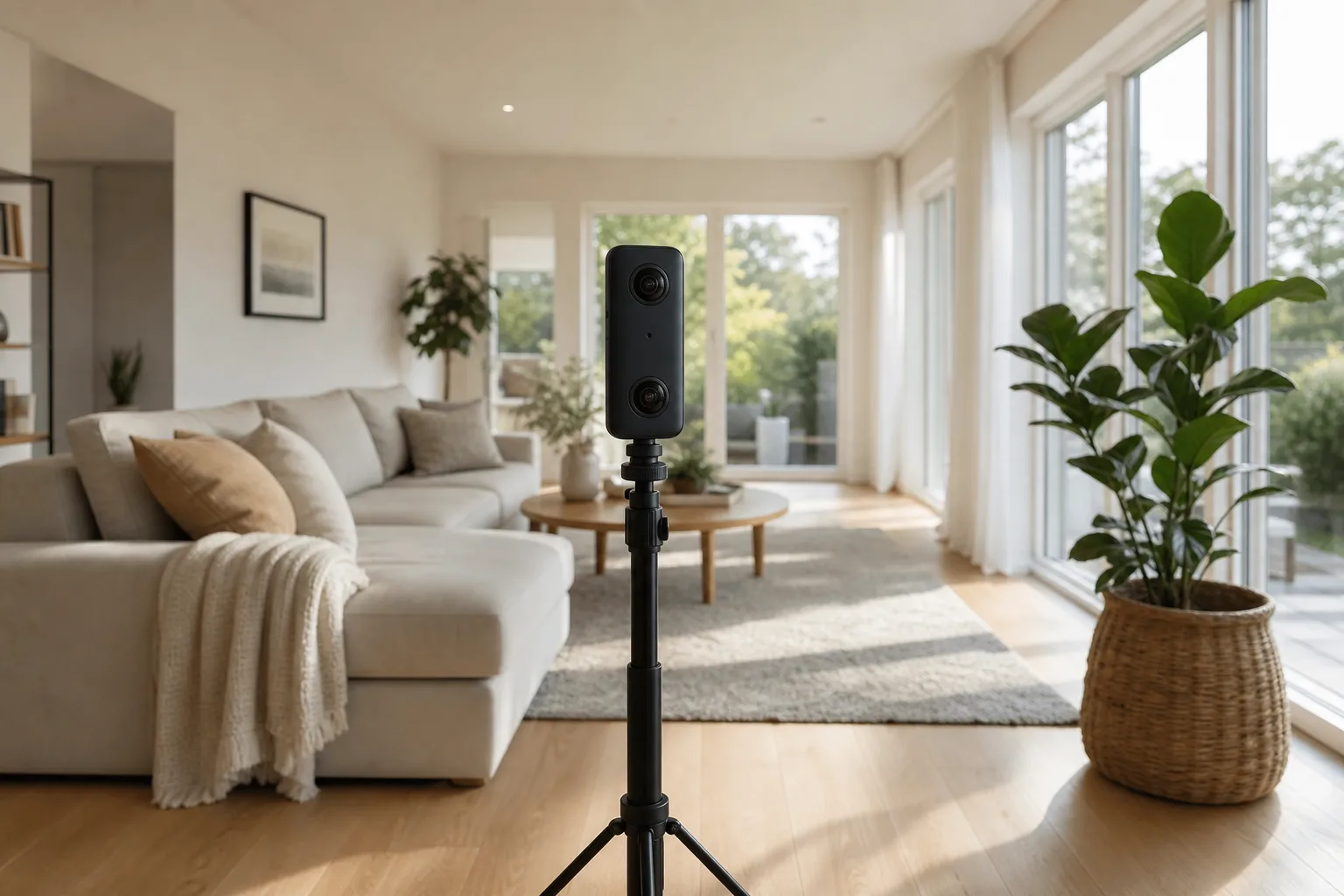
    Shoot each room with any 360 camera — Ricoh Theta, Insta360, Matterport or similar.

  2. 2

    Upload your panoramas

    Drag equirectangular images into the tour builder. Scenes are created automatically.

  3. 3

    Add hotspots & narration

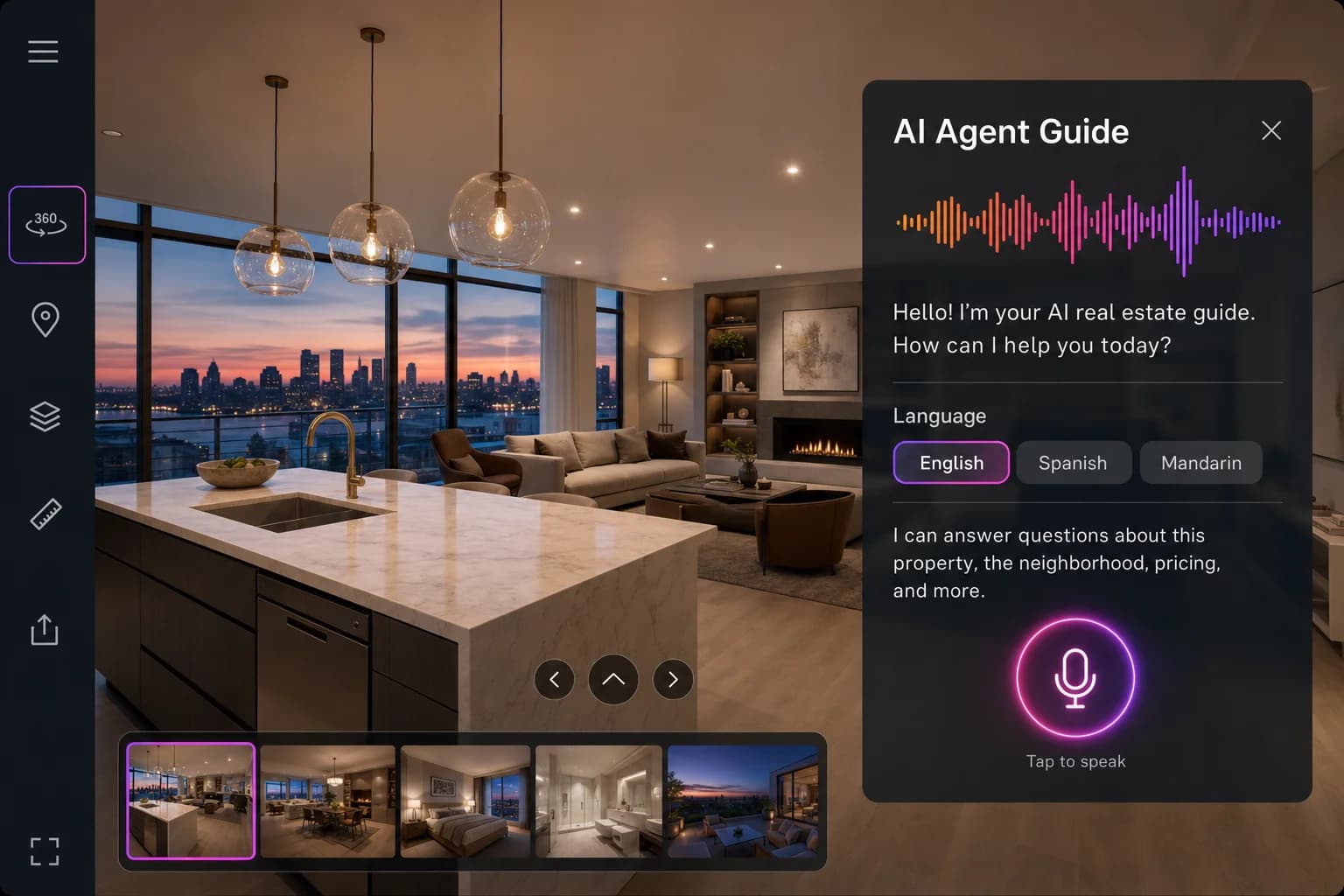
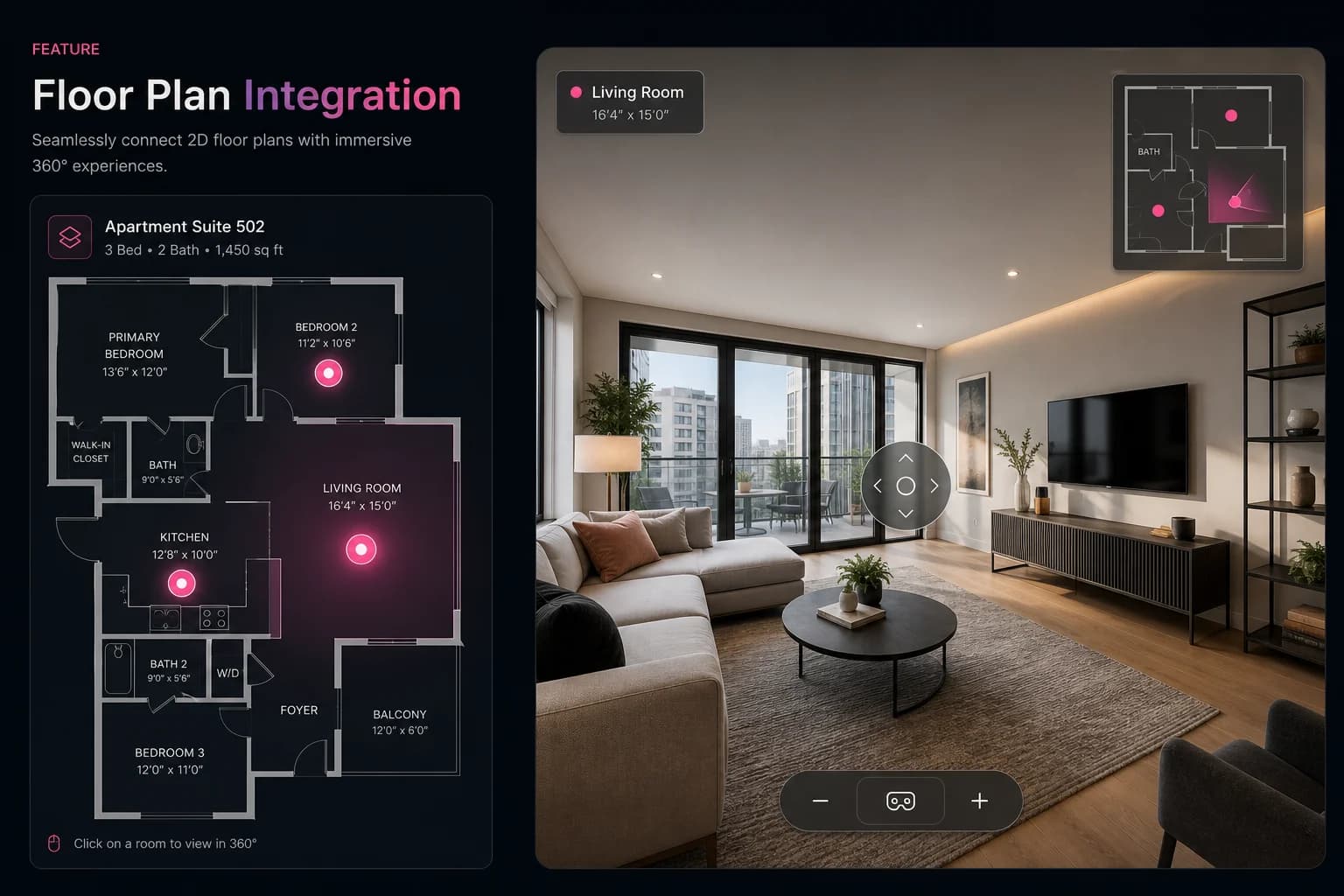
    Link rooms, drop info points, attach a floor plan and add an AI agent guide.

  4. 4

    Publish & share

    Choose a viewer style, then embed on portals and your website or share a link.

Viewer styles

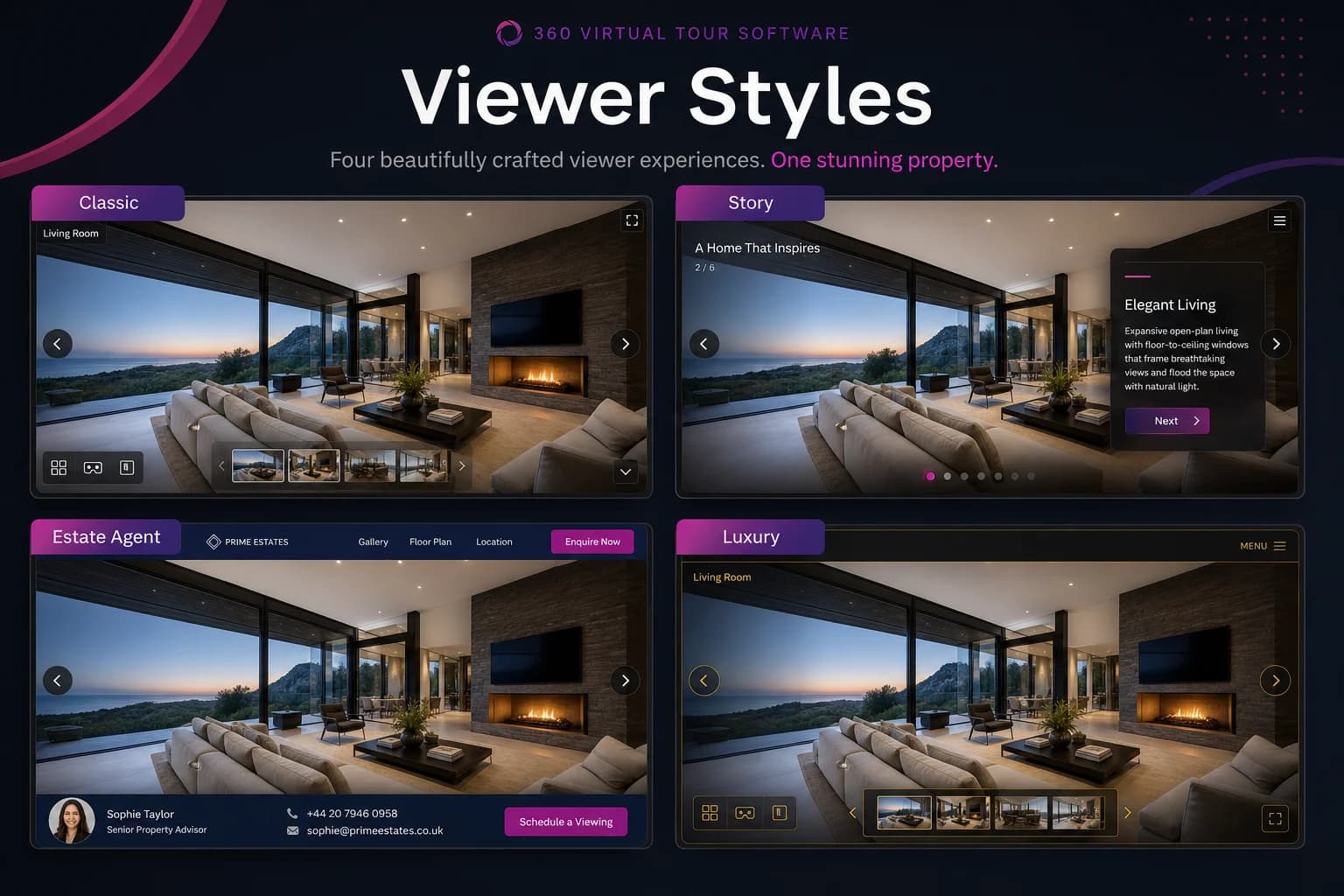
Six ways to present every tour

The same tour data powers each layout — switch styles to match your brand and audience.

Classic

Top bar, scene dropdown and thumbnail strip.

Minimal

Panorama-first with floating corner controls.

Story

Guided walkthrough with next/back navigation.

Estate Agent

Property details, CTAs and lead capture.

Luxury

Premium minimal layout for high-end homes.

Presentation

Large controls and auto-hide chrome for kiosks.

Explore viewer styles

Testimonials

Trusted by estate agents

Agencies and developers who publish 360 tours every week.

Since adding 360 tours to our listings, we have seen a 35% increase in enquiry rates. Vendors love the premium presentation and buyers arrive at viewings already knowing the layout.

Sarah MitchellSales Director, Mitchell & Partners

The Estate Agent viewer style with lead capture has changed how we work. Enquiries come in directly from the tour — no more missed calls from portal listings.

James ChenBranch Manager, Chen Properties

We use the Story viewer for our off-plan developments. Buyers get a guided walkthrough before the show home is even built. Reservations are up 20%.

Emma WalshMarketing Manager, Walsh Developments

How it works

Two ways to use 360 Tours

Start with pay-as-you-go credits, then upgrade to Active Spaces when you want a branded, sales-ready property marketing platform.

Credits — Pay As You Go

Credits get your tour live.

Perfect when you only need one tour live for a fixed period — 7 days, 30 days, 6 months or 1 year.

  • 360 viewer, navigation, share link & embed
  • Basic hotspots
  • One brand / logo
  • Small “Powered by ReHub” badge remains
Publish with Credits

Active Spaces — Subscriptions

Active Spaces unlock the professional platform.

One Active Space = one live property experience. Only live published properties consume an Active Space — expired or archived tours release it.

  • Remove ReHub branding + saved brand profiles
  • Floor plan overlay & property information
  • SalesGuide AI, voice presenter & lead capture
  • Premium viewer, analytics, teams & white label
Explore Active Spaces

Credits

Get online

Standard

Make it your brand

Sales Pro

Turn it into a sales tool

Ultra

Scale your portfolio

Enterprise

Bespoke large portfolios

Pricing

Simple pricing for professional 360 tours

Publish with credits, or upgrade to Active Spaces for branding, floor plans and AI sales tools. No contracts.

Pay As You Go

Free

Credits get your tour live for a fixed period. One brand/logo.

  • 360 viewer, navigation, share & embed
  • Basic hotspots
  • One brand / logo
  • “Powered by ReHub” badge remains
  • Hosting for 7 days, 30 days, 6 months or 1 year
Publish with Credits

Standard

£49/mo

Make every tour look professional. 50 Active Spaces.

  • 50 Active Spaces
  • 5 Brands
  • Remove ReHub branding
  • Floor plan overlay & property info
  • Enhanced hotspots & basic analytics
Start Standard
Most popular

Sales Pro

£129/mo

Turn every tour into a 24/7 digital salesperson. 100 Active Spaces.

  • 100 Active Spaces
  • 10 Brands
  • SalesGuide AI & voice presenter
  • Multi-language narration & lead capture
  • Premium viewer & advanced analytics
Start Sales Pro

Ultra

£249/mo

Scale your portfolio. 300 Active Spaces for teams.

  • 300 Active Spaces
  • 20 Brands
  • Team members & multiple brand management
  • White label viewer & presentation mode
  • Priority support & API access
Start Ultra

Full pricing details · Contact for volume rates

The bigger picture

Part of the ReHub Studio ecosystem

360 tours connect into a wider suite of AI property-media tools — stage, plan, animate and present every listing.

From the blog

360 virtual tour guides

Practical guides on creating tours, marketing property and choosing the right platform.

View all articles

FAQ

Frequently asked questions

12 answers to the questions agents ask most.

A 360 virtual tour is an interactive walkthrough that lets viewers explore a property room by room from any device. Unlike a video, the viewer controls where they look and which room they visit next. Our 360 tour software turns panoramic photos into that walkthrough in minutes.

Start with 360 tour software today

Upload your panoramic images and publish an interactive virtual tour in under an hour with our 360 tour software. Start free — no credit card required.

Build tours yourself · Embed on any portal · talk to us